


Planet Unknown: Crosshair
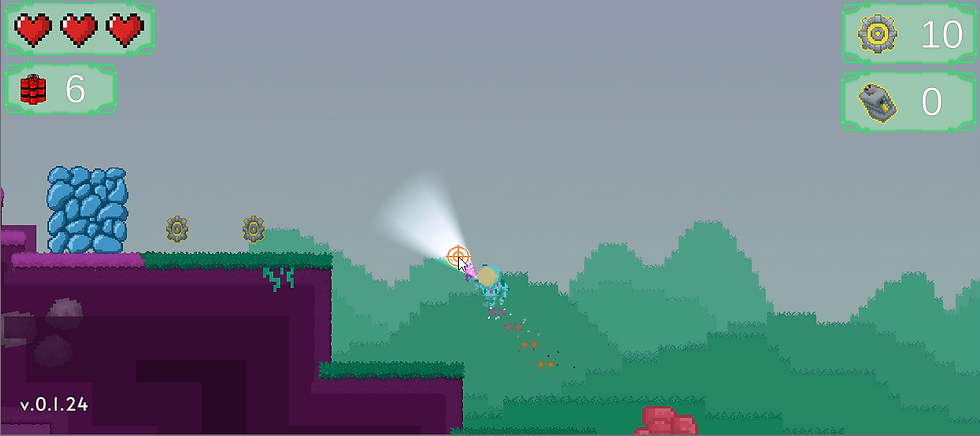
When conducting play testing, myself and my team found that although the players mouse cursor was visible on screen it was still slightly difficult to judge where a shot would land when aiming. At times there would also be some uncertainty around what the power up projectiles could be used on. This feedback led to the decision that a player crosshair should be implemented to assist with aiming and indicating what could be shot with the equipped projectile.
The crosshair itself is an image on the player canvas that updates its position based on the position of the mouse cursor. Via a 2D ray cast the crosshair will change to a lock on sprite when the crosshair hovers over the appropriate item or the player has a clear shot on it. Where power ups are concerned, the ray cast checks for certain components present on an object or checks that certain variables are set before enabling lock on sprite. For example, if the player has picked up an ice power up, the crosshair will only display its lock on sprite for objects that have their 'freezable' variable set to true. The colour of the crosshair sprite will also change based on the power up the player has equipped.
Red = Regular projectiles equipped (no power up)
Blue = Ice power up projectiles equipped
Orange = Explosive power up projectiles equipped



Comments