


Planet Unknown: Tutorial HUD
After conducting and receiving feedback from play testing, our team decided to include a pop-up tutorial at the beginning of Planet Unknown. This helps teach the player how to play and use the mechanics, regardless of gaming experience.
I set about implementing the tutorial HUD by using a Unity world space canvas, canvas text and 2D colliders. The world space canvas allows us to place the tutorial messages anywhere in the game environment and not have to worry about taking up screen space our interfering with our player UI canvas. After setting a world space text item to a reasonable size and format, I made it a prefab that the designers could drag and drop into the scene and attach to the canvas prefab without having to spend time making adjustments for each massage.
I attached a script to a 2D collider to make a trigger box that activates and deactivates a tutorial message when the player enters and exits collision with a trigger. The script also contains a serializable reference to a UI text element that the designers can set in engine. To help make the appearance of the messages not be as jarring in the environment, in the same script I used a tweening function from David Flintoft's utility code to tween the messages position and transparency. Paired with the background images that match the player UI it smooths the messages transition from invisible to visible and presents as a hologram enabled by the player rather than random text. These trigger boxes are also prefabs in the project.
Test implementation:

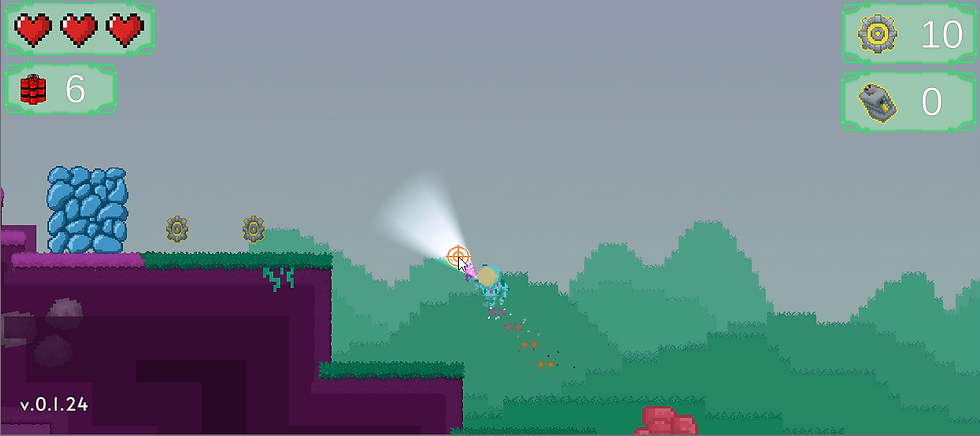
Current build implementation:



Comments